Description
GeekVape Wenax Q Pro Pod Kit in Dubai, UAE: More Power, Smarter Control, Built to Last
The Wenax Q was already one of the most popular pod kits in GeekVape’s lineup. The Q Pro doesn’t just iterate on it; it rethinks the interaction entirely. A 0.96-inch full-colour screen with aurora-inspired animations. Hidden haptic touch buttons appear beneath the screen when you need them. Intelligent pod detection auto-selects the optimal wattage the moment a cartridge is installed.
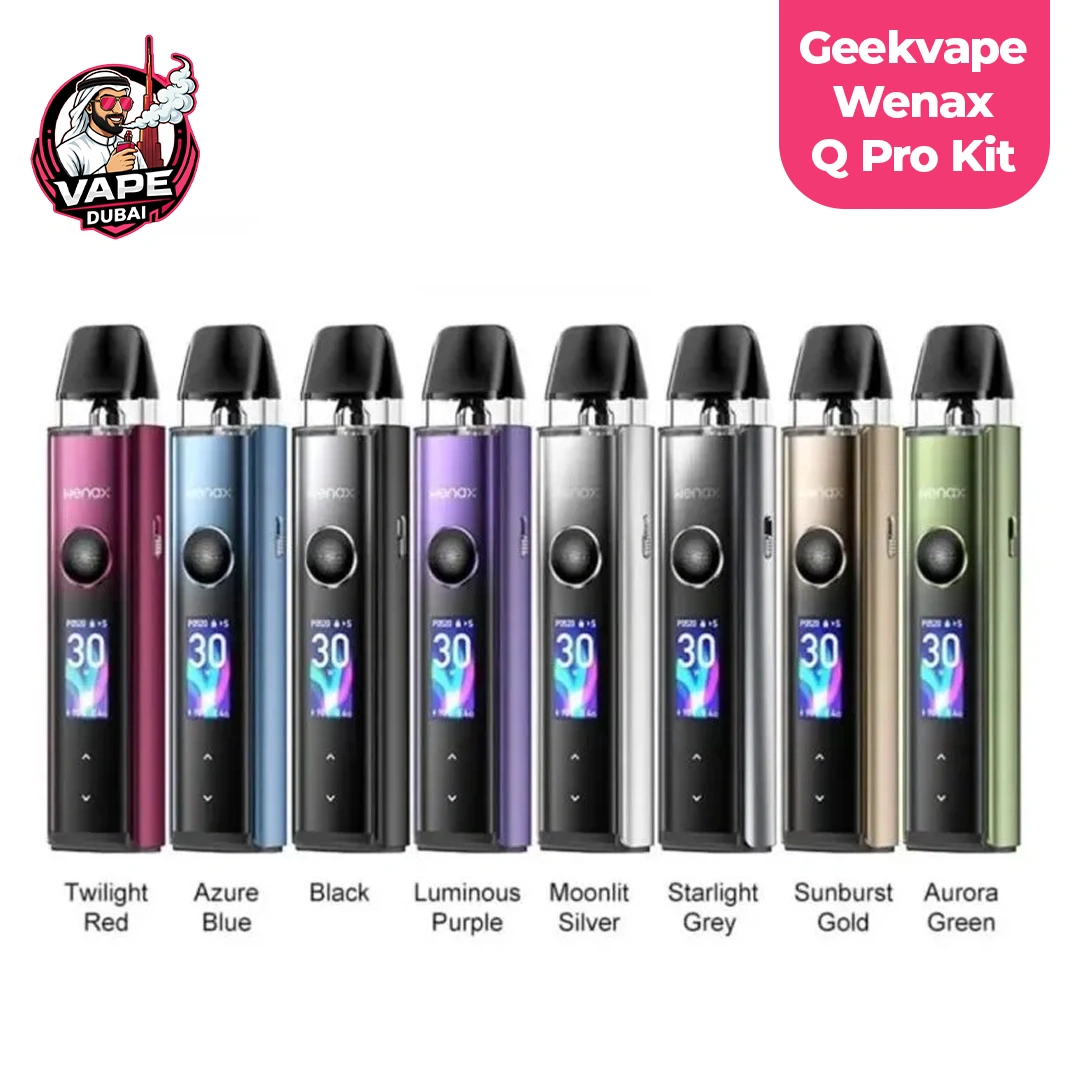
Three power modes: Smart, Power, and Eco give you control over exactly how you want the device to behave. And the shock-resistant silicone base ensures the Q Pro survives real daily use in Dubai’s busy, on-the-go lifestyle. Two Q cartridges included, compatible with the full Q Series pod range, available in 8 colors.
Key Specifications of Wenax Q Pro
- 0.96-Inch Screen with Aurora Animations: It shows your current wattage, coil resistance, battery percentage, and puff count, wrapped in an aurora-inspired animated UI.
- Haptic Touch Buttons: Two adjustment buttons are hidden beneath the screen surface and only appear when you enter wattage-adjustment mode.
- Intelligent Pod Cartridge Detection: The moment you snap a Q cartridge into the Q Pro, the device reads the coil resistance and automatically selects the optimal output.
- Three Power Modes: Smart Mode handles wattage automatically based on your installed coil. Power Mode unlocks manual wattage adjustment from 5W to 30W. Eco Mode drops output to a lower, battery-conserving level.
- 3-Level Adjustable Airflow Switch: Tightest for a true cigarette-style MTL pull, mid for a comfortable loose MTL, and most open for an airy RDL draw.
- 1200mAh Battery: The 1200mAh built-in battery delivers a full day of moderate vaping on a single charge, with Eco Mode providing meaningful additional runtime.
- Shock-Resistant Silicone Anti-Drop Base: A practical durability feature for a device that’s carried in pockets and bags throughout a busy day across Dubai.
- Full GeekVape Q Series Compatibility: The Q Pro accepts all GeekVape Q Series cartridges, 0.4Ω, 0.6Ω, 0.8Ω, and 1.2Ω, giving you a wide range of vaping styles from a single device.
Available Colors
- Black
- Moonlit Silver
- Starlight Grey
- Azure Blue
- Twilight Red
- Aurora Green
- Sunburst Gold
- Luminous Purple
What’s in the Box
- 1× GeekVape Wenax Q Pro Device
- 1× GeekVape Q Cartridge 0.6Ω, 2ml (pre-installed)
- 1× GeekVape Q Cartridge 0.8Ω, 2ml (spare)
- 1× Type-C USB Cable
- 1× User Manual
- 1× Warning Card
How to Fill and Use Your Q Pro Cartridge
- Remove the mouthpiece cap from the top of the Q cartridge by applying light pressure until it pops off
- Locate the fill port on the side of the cartridge, typically marked with a colored silicone bung
- Insert your e-liquid bottle tip and fill slowly to the visible fill line, avoiding the central air tube
- Replace the silicone bung firmly, then snap the mouthpiece cap back into position
- Let the pod sit for 5 minutes to allow the coil to fully saturate before use
- Snap the filled cartridge into the Q Pro device magnetically until it clicks
- The device will auto-detect the pod and set Smart Mode wattage, or press the button to enter Power Mode for manual adjustment
Buy The Wenax Q Pro in Dubai: Smart, Durable, and Built for Daily Carry
A full-color screen, haptic touch buttons, intelligent pod detection, three power modes, three-level airflow, and a shockproof base, all in a slim pen-style body weighing under 60g. The GeekVape Wenax Q Pro is one of the most feature-complete pod kits available at its price point, and with full Q Series compatibility, existing GeekVape users can upgrade instantly.
Order yours today on Vape Dubai for fast delivery to Dubai, Abu Dhabi, Sharjah, and anywhere across the UAE.
Frequently Asked Questions
Is the Wenax Q Pro compatible with pods from my existing GeekVape Q Series device?
Yes, the Wenax Q Pro accepts all GeekVape Q Series cartridges. If you own a Sonder Q, Wenax Q, or any other Q-platform device, your existing pods are directly compatible.
How do the haptic touch buttons work?
The touch buttons are hidden beneath the screen surface and only become visible when you enter wattage-adjustment mode.
What is the maximum wattage the Wenax Q Pro can reach?
The Q Pro reaches its maximum output of 30W when used with the 0.4Ω Q Pod.
How do I adjust the airflow on the Wenax Q Pro?
A dedicated airflow switch on the device body offers three fixed positions: tightest for MTL, middle for loose MTL, and most open for RDL. Slide the switch to your preferred position.

 Skip to content
 Optimized by Seraphinite Accelerator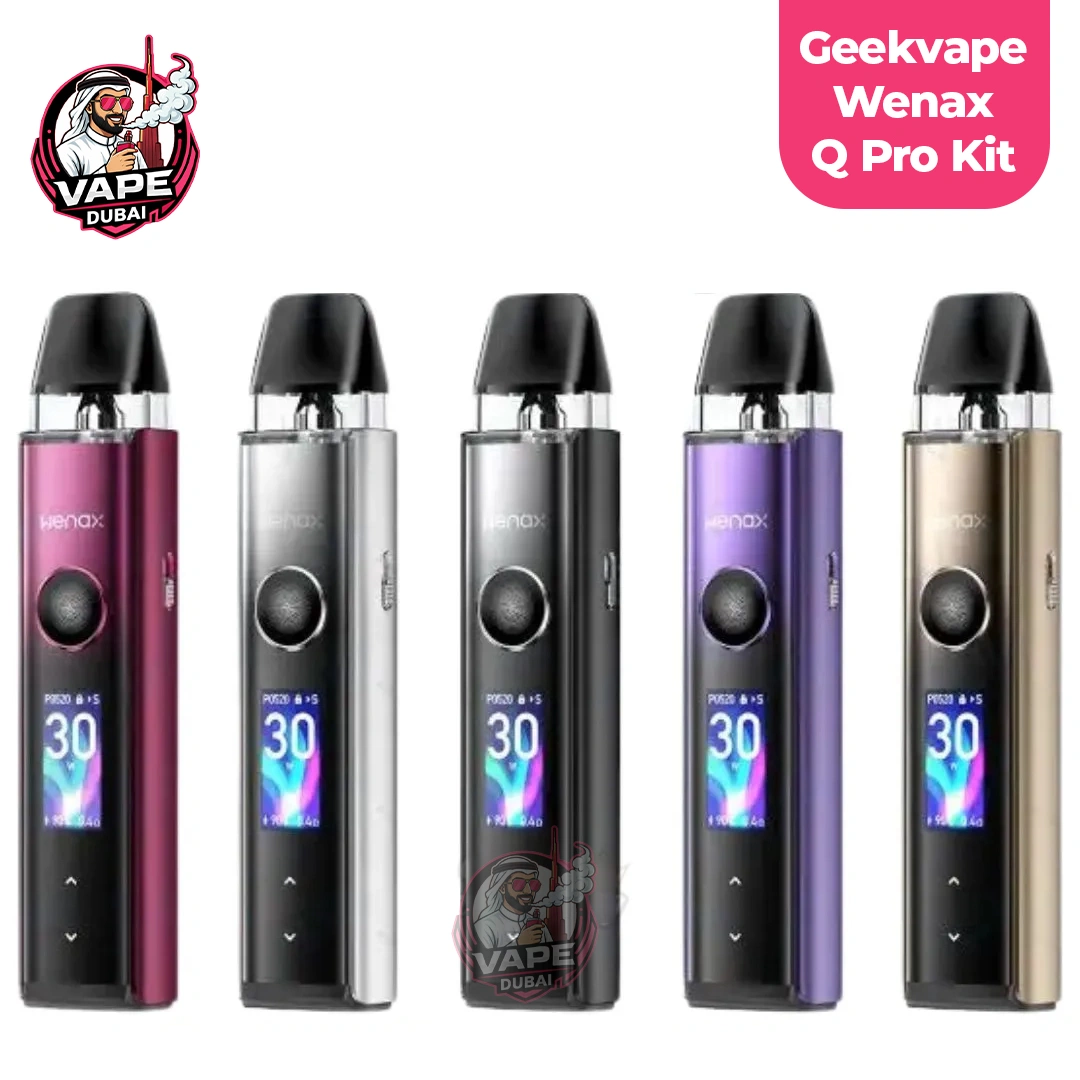
Reviews
There are no reviews yet.